How to Redeem iTunes Gift Card instantly (100% Safe)
Looking for the perfect digital present or a secure way to pay for apps and subscriptions? An Apple iTunes Gift Card is the ultimate key to unlocking premium digital content across the Apple ecosystem. Whether you want to seamlessly buy an iTunes gift card online or figure out how to securely check your balance and redeem it, this complete guide covers everything you need to know.
What is an iTunes Gift Card?
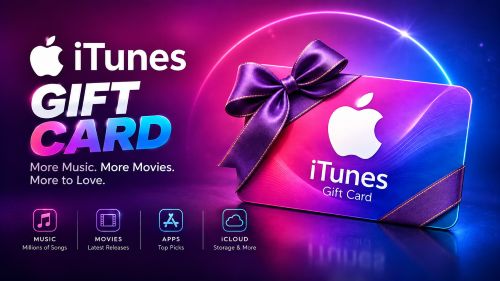
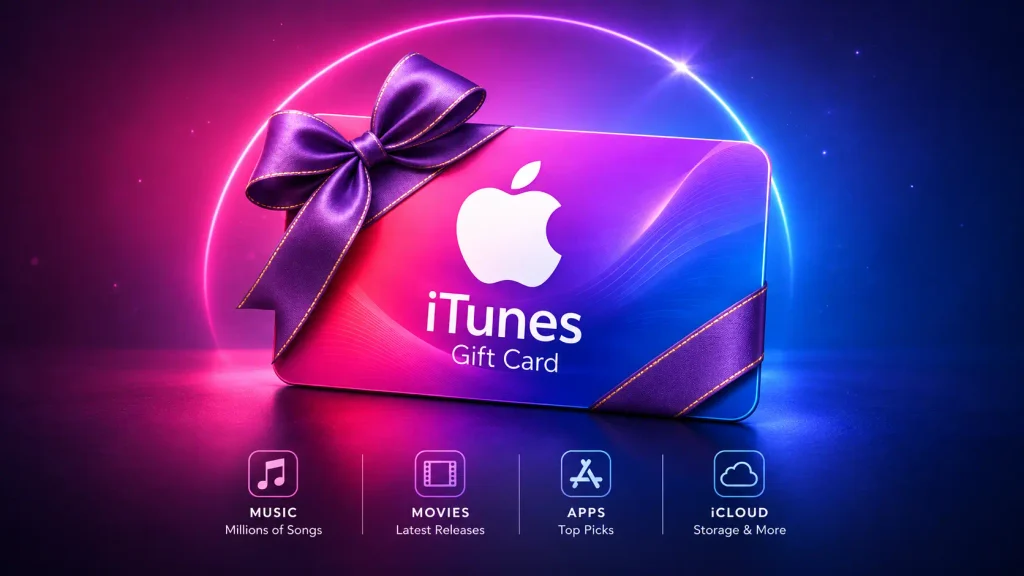
You can use an iTunes (or Apple) Gift Card by adding it to your Apple ID balance to purchase Apple products and digital media.
- Digital Store Credit: It acts as prepaid currency that you can spend across the App Store, iTunes Store, and the Apple Store.
- Buy Apps and Media: Funds can be used to purchase iOS games, premium applications, music, audiobooks, and movies.
- Premium Subscriptions: Easily use your iTunes gift card balance to pay for Apple Music, Apple TV+, iCloud+ storage, or recurring in-app subscriptions.
- Hardware Options: Newer unified Apple Gift Cards can also be applied toward physical devices like iPhones, iPads, and MacBooks at Apple retail stores.
- No Credit Card Needed: It provides a safe and budget-friendly way to manage your digital spending within the Apple ecosystem without linking a credit card.
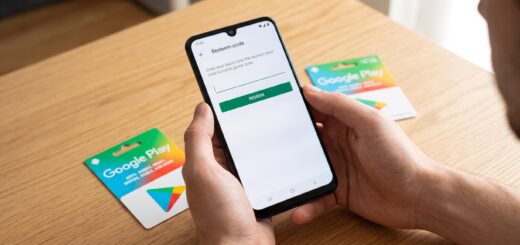
- Simple Redemption: To claim the funds, open the App Store, tap your profile picture, and select “Redeem Gift Card or Code.”
- No Expiration Date: Any redeemed funds remain securely in your Apple Account balance for future shopping and never expire.
- Country-Specific: Apple Gift Cards are strictly region-locked and will only work on an Apple ID registered in the country/currency where the card was purchased.
How to Get an iTunes Gift Card?
You can acquire an iTunes (Apple) Gift Card by buying it from local physical stores or through verified digital platforms.
- Physical Retailers: Buy physical gift cards from grocery stores, pharmacies, electronics shops, or convenience stores.
- Online Marketplaces: Purchase digital codes directly from trusted retailers like Amazon (iTunes gift card Amazon), Best Buy, Target, or Walmart.
- Apple Store: Buy digital cards directly from the official Apple website or physically at an Apple Retail Store.
- Digital Delivery: When you buy an iTunes gift card online, the 16-digit redemption code is delivered almost instantly to your email inbox.
- Various Denominations: Choose from popular pre-set values ($10, $25, $50, $100) or select a custom amount between $10 and $500.
- Direct Gifting: Send a digital card directly to a friend’s email address or via iMessage as a quick, thoughtful gift.
- Banking Apps: Many mobile banking and digital wallet apps allow you to purchase official Apple Gift Cards directly inside the app.
- Reward Programs: Participate in trusted loyalty apps or credit card reward portals to earn free Apple credit over time.
Important Tip: Apple gift cards are strictly region-locked. If you are looking to purchase an iTunes gift card for international accounts (such as Egypt, Tunisia, Mexico, or Peru), make sure your Apple ID region matches the card’s country before redeeming, or purchase digital codes from authorized global vendors.
How to Use an iTunes Gift Card?
You can spend your newly added Apple Account balance across multiple platforms and services.
- Buy iOS & Mac Apps: Use your credit to unlock paid applications and premium utility tools.
- In-App Purchases: Spend your funds on mobile game currencies (like Robux, V-Bucks, or gems), extra lives, and feature unlocks.
- Digital Media: Buy or rent the latest movies, TV series, and albums directly through the Apple TV app and iTunes Store.
- Premium Subscriptions: Automatically cover monthly fees for Apple Music, iCloud+ storage plans, Apple Arcade, Apple Fitness+, or Apple TV+.
- Hardware Purchases: Use unified Apple Gift Card balances at physical or online Apple Stores toward Macs, Apple Watches, iPhones, and accessories.
- Automatic Deduction: Your Apple Account balance is always deducted first by default before your secondary payment method or credit card is charged.
- Cross-Platform Sync: Your credited balance syncs seamlessly across your iPhone, iPad, Mac, and Apple TV devices tied to the same Apple ID.
How to Redeem an iTunes Gift Card?
You can redeem an iTunes gift card easily by entering the code manually or scanning it directly through the App Store on your device.
- Find the Code: Peel or gently scratch off the silver protective label on the back of a physical card to reveal the 16-digit alphanumeric code. (For digital cards, find the code in your confirmation email).
- Open the App Store: Launch the App Store app on your iPhone, iPad, or Mac.
- Access Your Profile: Tap your profile picture or the sign-in button located in the top right corner of the screen.
- Select Redeem: Tap on “Redeem Gift Card or Code” and sign in with your Apple ID password or Face ID if prompted.
- Use the Camera: Tap “Use Camera” to instantly scan the 16-digit code for a faster, error-free redemption process.
- Enter Manually: Alternatively, tap “Enter Code Manually” and type the code exactly as it appears.
- Windows PC Option: If you use a Windows PC, open the iTunes app (or Apple Music app), click on Account in the menu bar, and select Redeem.
- Instant Availability: Once successfully claimed, the balance is immediately credited to your Apple Account and is ready to use right away.
Note: Once redeemed, you can easily check your iTunes gift card balance anytime directly under your App Store account profile.
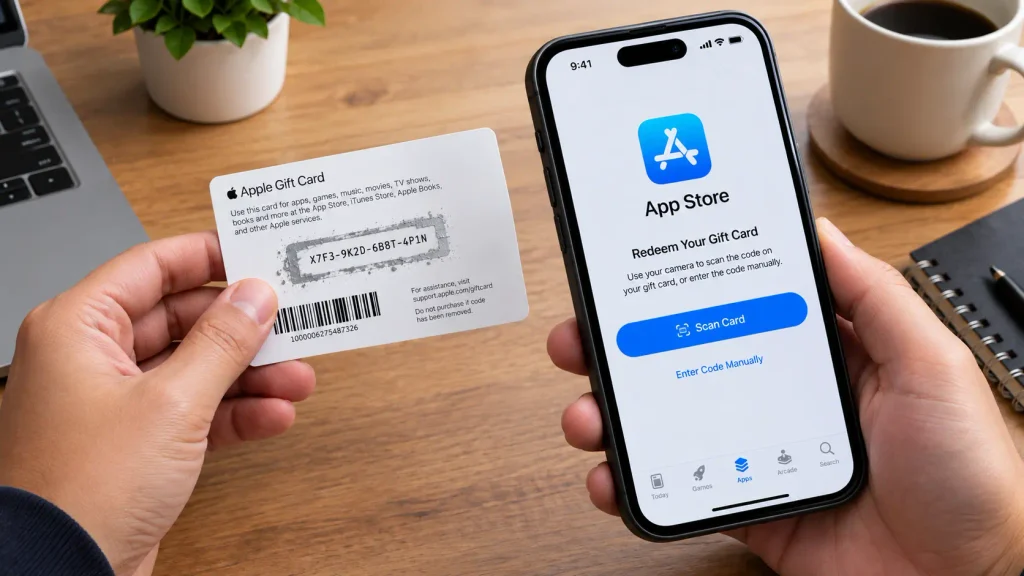
An iTunes gift card offers incredible flexibility and peace of mind, allowing you to securely enjoy everything from premium apps to entertaining digital media without ever needing a credit card. Grab yours today, redeem it instantly, and unlock the full power of the entire Apple ecosystem!